
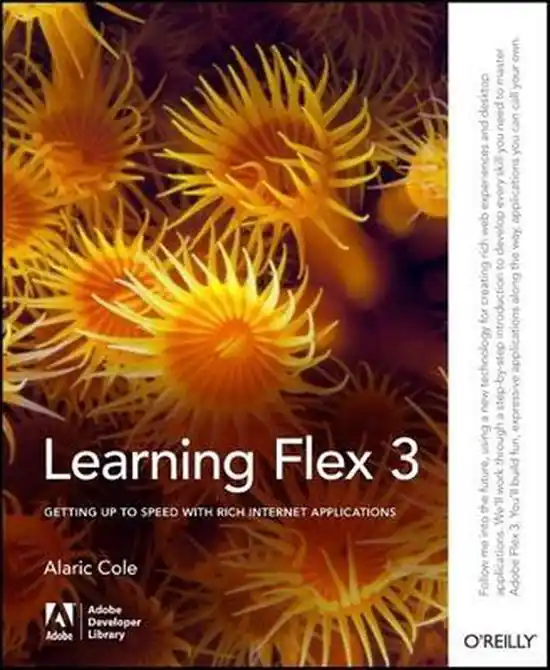

Titel: Learning Flex 3
Schrijver: A Cole
Bindingswijze: Paperback
EAN: 9780596517328
Conditie: Goed
Staat van dit boek
Elk boek is handmatig gecontroleerd. Vragen? Stuur gerust een bericht.
Condities
Als nieuw Zo goed als nieuw, geen tot vrijwel geen gebruikssporen.
Goed Lichte gebruikssporen mogelijk, meestal geen aantekeningen.
Redelijk Zichtbaar gebruikt, kan sporen of aantekeningen bevatten.
Nieuw Ongelezen en in nieuwe staat.
Beschrijving:
How soon can you learn Adobe Flex 3? With this book’s unique hands-on approach, you will be able to tinker with examples right away, and create your own Rich Internet Applications with Flex within the first few chapters. As you progress, you learn how to build a layout, add interactivity, work with data, and deploy your applications to either the Web or the desktop. Learning Flex 3 offers step-by-step instructions that are clear and concise, along with tips and tricks that author Alaric Cole has gathered after years of using Flex and teaching it to fellow developers at Yahoo! You’ll understand how Flex works, how to use the MXML markup language and work with ActionScript, how to deploy RIA’s to the desktop using Adobe AIR, and much more.Whether you’re a beginner, or an experienced web developer coming to Flex from another platform, Learning Flex 3 is the ideal way to learn how to: set up your environment with FlexBuilder and Eclipse; create a new Flex project; use the different design views in Flex; write code with MXML; lay out your Flex application; embed images and graphics; build a user interface; add interactivity with ActionScript; handle user input; move, display, and collect data; add custom components with MXML; add sound effects, filters, and transitions; style your applications with CSS, skins, and themes; and, deploy applications to the Web, or to the desktop using Adobe AIR. Also included are brief explanations of objects, classes, components, properties, methods, types, and other Flex attributes. You will find that Learning Flex 3 is not only the most complete tutorial for Flex, it’s also the quickest way to get going with the latest version of this powerful framework.